
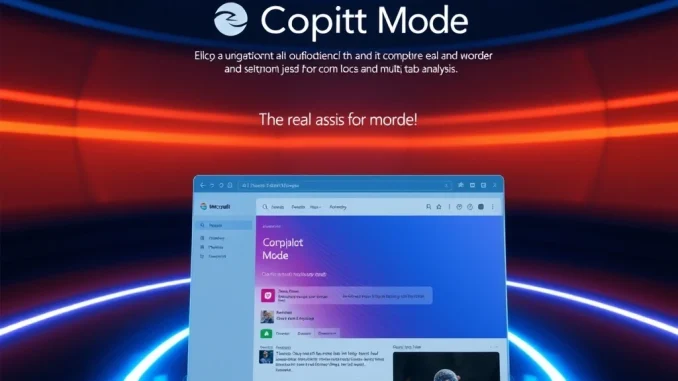
Microsoft has taken a bold step in the AI browser race by launching Copilot Mode in Edge, a feature designed to transform how users interact with the web. This AI-driven tool promises to streamline tasks like content summarization, visual analysis, and multi-tab management, making it a game-changer for researchers and content creators.
What is Microsoft Copilot Mode?
Microsoft Copilot Mode is an experimental AI feature integrated into the Edge browser. It leverages OpenAI’s technology to provide real-time assistance, enabling users to:
- Summarize content from web pages
- Analyze charts and images
- Manage multi-tab workflows efficiently
This feature is currently free, giving users a chance to experience AI-driven browsing without additional costs.
How Does AI Browser Technology Enhance Web Navigation?
Copilot Mode addresses common pain points in web navigation by offering:
| Feature | Benefit |
|---|---|
| Multi-tab content understanding | Reduces manual tab-switching for researchers |
| Real-time collaboration | Enhances productivity with instant AI assistance |
However, the tool requires precise input to deliver accurate results, highlighting the need for clear user prompts.
Why is the AI Browser Race Intensifying?
Microsoft’s move positions Edge as a competitor to AI-first browsers like Perplexity Comet and Dia. Key differentiators include:
- Free access during the experimental phase
- Seamless integration with existing workflows
- Front-and-center AI interaction layer
This reflects the broader industry trend toward embedding AI into browsers to revolutionize digital interactions.
What Are the Challenges of AI-Driven Browsing?
While Copilot Mode offers significant benefits, it faces limitations:
- Dependence on precise user input
- Inability to fully automate complex tasks
- Occasional outdated information retrieval
These challenges underscore the evolutionary nature of current AI browser technology.
Conclusion: The Future of AI in Browsers
Microsoft’s Copilot Mode represents a significant step forward in AI-driven browsing, offering practical features that enhance productivity. As the technology matures, competition in the AI browser space will likely intensify, shaping the future of web navigation.
Frequently Asked Questions (FAQs)
1. How do I activate Copilot Mode in Edge?
Update to the latest Edge version and enable the feature in settings.
2. Is Copilot Mode free to use?
Yes, it is currently available free of charge during the experimental phase.
3. Can Copilot Mode analyze content from multiple tabs?
Yes, it can synthesize information from multiple open tabs.
4. What are the limitations of Copilot Mode?
It requires precise input and cannot fully automate complex tasks.